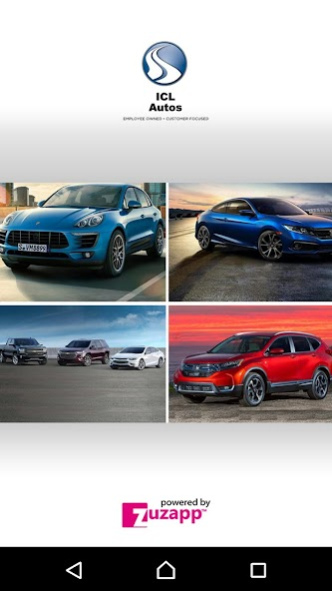
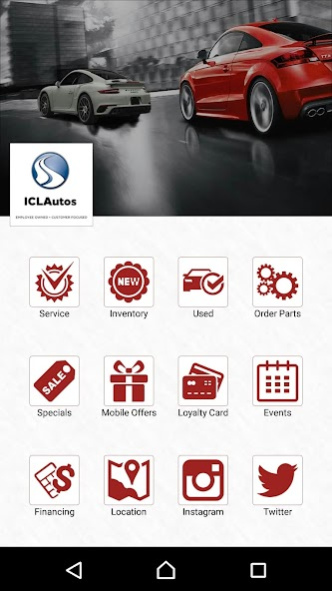
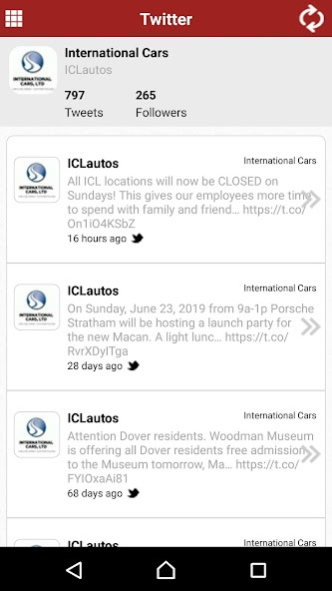
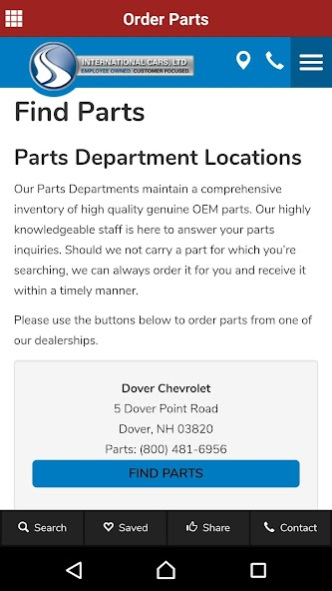
About ICL Auto Group
Welcome to International Cars, Ltd International Cars, Ltd. is an employee owned company comprised of seven New England area dealerships. Honda North and ICL Auto Centers is located in Danvers, Massachusetts. The New...
Welcome to International Cars, Ltd
International Cars, Ltd. is an employee owned company comprised of seven New England area dealerships. Honda North and ICL Auto Centers is located in Danvers, Massachusetts. The New Hampshire locations include Dover Auto World: with Honda and Chevrolet franchises, Porsche of Stratham, and Audi Stratham. The International Cars’ team, company-wide, is one that values ownership, accountability, and the importance of high-level service and customer satisfaction.
International Cars is headquartered at Honda North in Danvers, MA and is the recipient of several industry awards, including the 2007 Governor’s Highway Safety Association Peter K. O’Rourke Special Achievement Award and the Time Magazine 2006 Quality Dealer Award. International Cars has also earned several AACE (Annual Award for Communications Excellence) Awards through The National ESOP (Employee Stock Ownership Plan) Association. Audi Stratham received the Audi Magna Society Award in May 2010.
Previous Versions
Here you can find the changelog of ICL Auto Group since it was posted on our website on 2019-08-23 19:08:18.
The latest version is 1.0 and it was updated on 2024-04-22 18:17:42. See below the changes in each version.
ICL Auto Group version 1.0
Updated At: 2019-10-23
Changes: New Feature are available in this version.
ICL Auto Group version 1.0
Updated At: 2019-09-11
Changes: New features are now available with this version.
Disclaimer
Official Google Play Link
We do not host ICL Auto Group on our servers. We did not scan it for viruses, adware, spyware or other type of malware. This app is hosted by Google and passed their terms and conditions to be listed there. We recommend caution when installing it.
The Google Play link for ICL Auto Group is provided to you by apps112.com without any warranties, representations or guarantees of any kind, so access it at your own risk.
If you have questions regarding this particular app contact the publisher directly. For questions about the functionalities of apps112.com contact us.